
CodeTwo Email Signatures for Microsoft 365 in Abu Dhabi & UAE
Every email your team sends is a chance to show clients and partners a consistent, polished brand image. Effortz brings businesses in Abu Dhabi and across the UAE a reliable email signature solution built on CodeTwo Email Signatures 365, giving companies full control over how their brand appears in every message sent through Microsoft 365 and Outlook.
CodeTwo is a trusted email signature software used by organizations that need centralized administration, consistent branding, and dependable Microsoft 365 email signature management without relying on individual employees to update their own signatures correctly.
Signatures added monthly
Active users worldwide
Verified online reviews with 4.90 average rating
What Is CodeTwo
Email Signatures 365
CodeTwo Email Signatures 365 is a cloud-based email signature software built specifically for Microsoft 365 environments. It allows IT administrators to design, manage, and apply email signatures and automatic replies across an entire organization from one central dashboard, removing the need to configure signatures manually on each device or mailbox.
For companies that depend on Outlook for daily communication, this Microsoft email signature management tool ensures every outgoing email, whether sent from a desktop, mobile device, or web browser, carries the same accurate branding, contact details, and legal disclaimers.
CodeTwo at a Glance
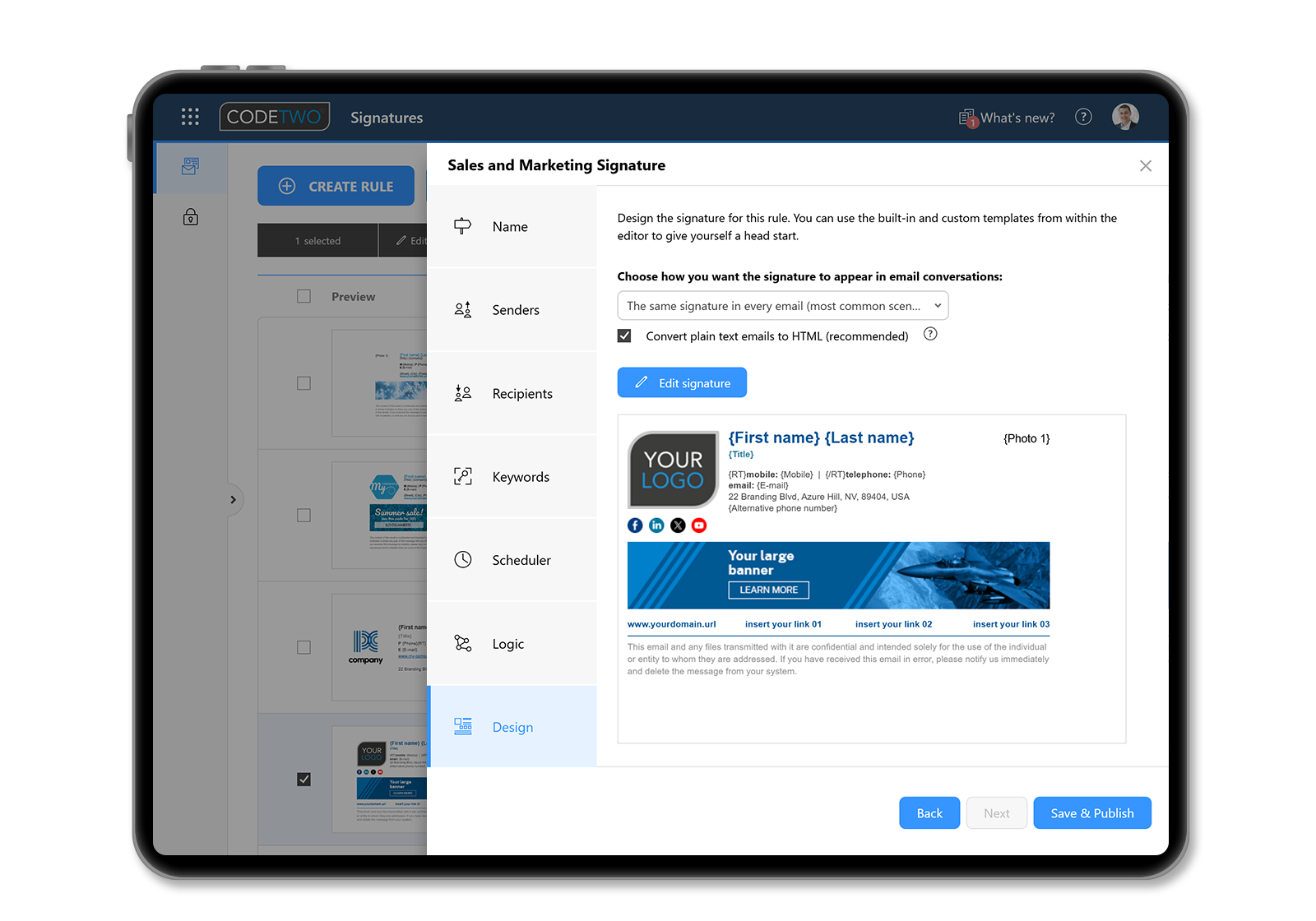
Centrally Managed Email Signatures
Manage email signatures & branding for your entire organization directly from a browser.
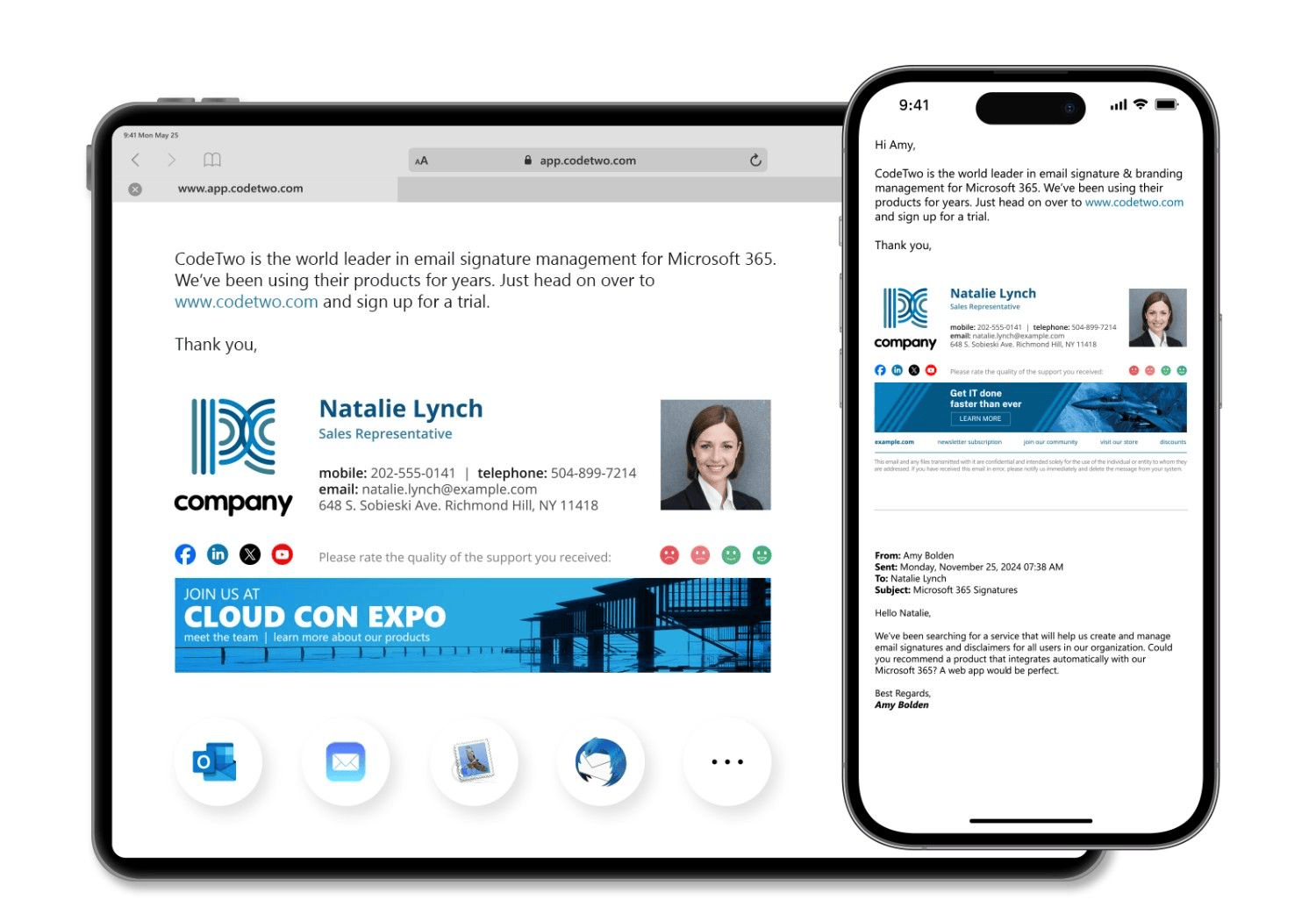
All email apps and devices supported
Automatically add signatures to emails sent from any email app or device.
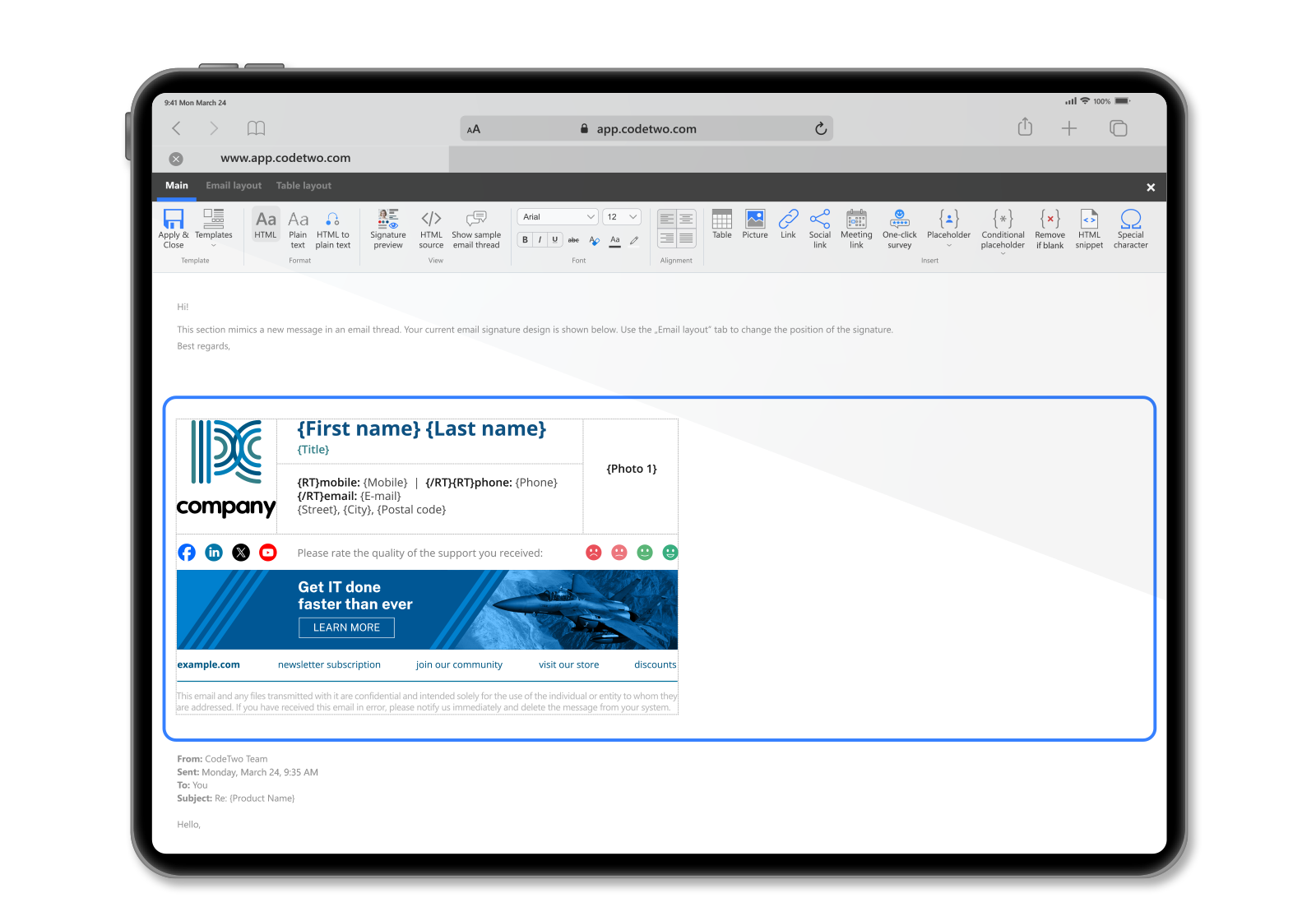
World's best HTML signature template editor
Customize built-in templates or design signatures & disclaimers from scratch. No HTML skills needed.
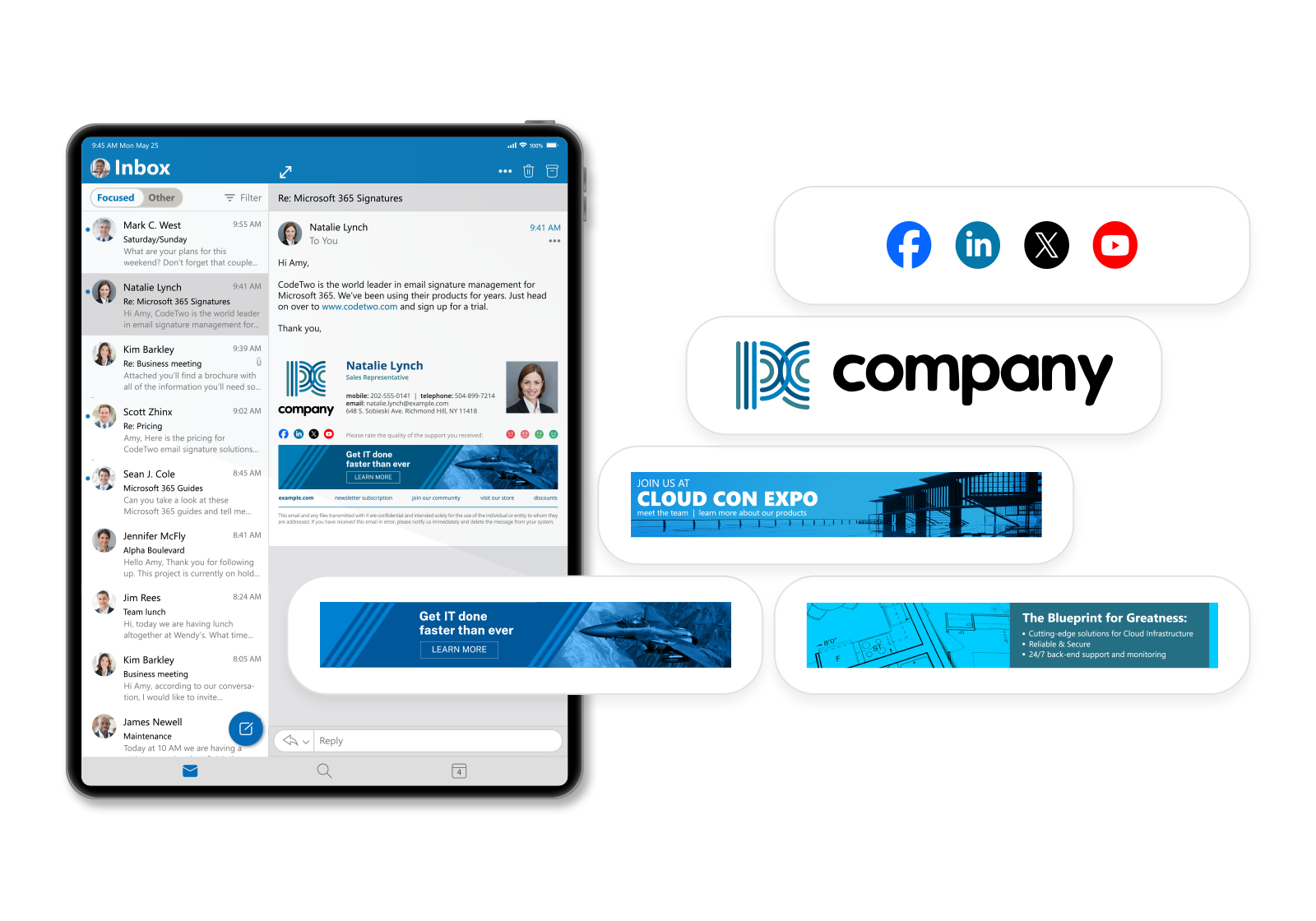
Logos, banners and social media buttons
Create fully branded email signatures to boost sales. Add social icons for easy customer interaction.
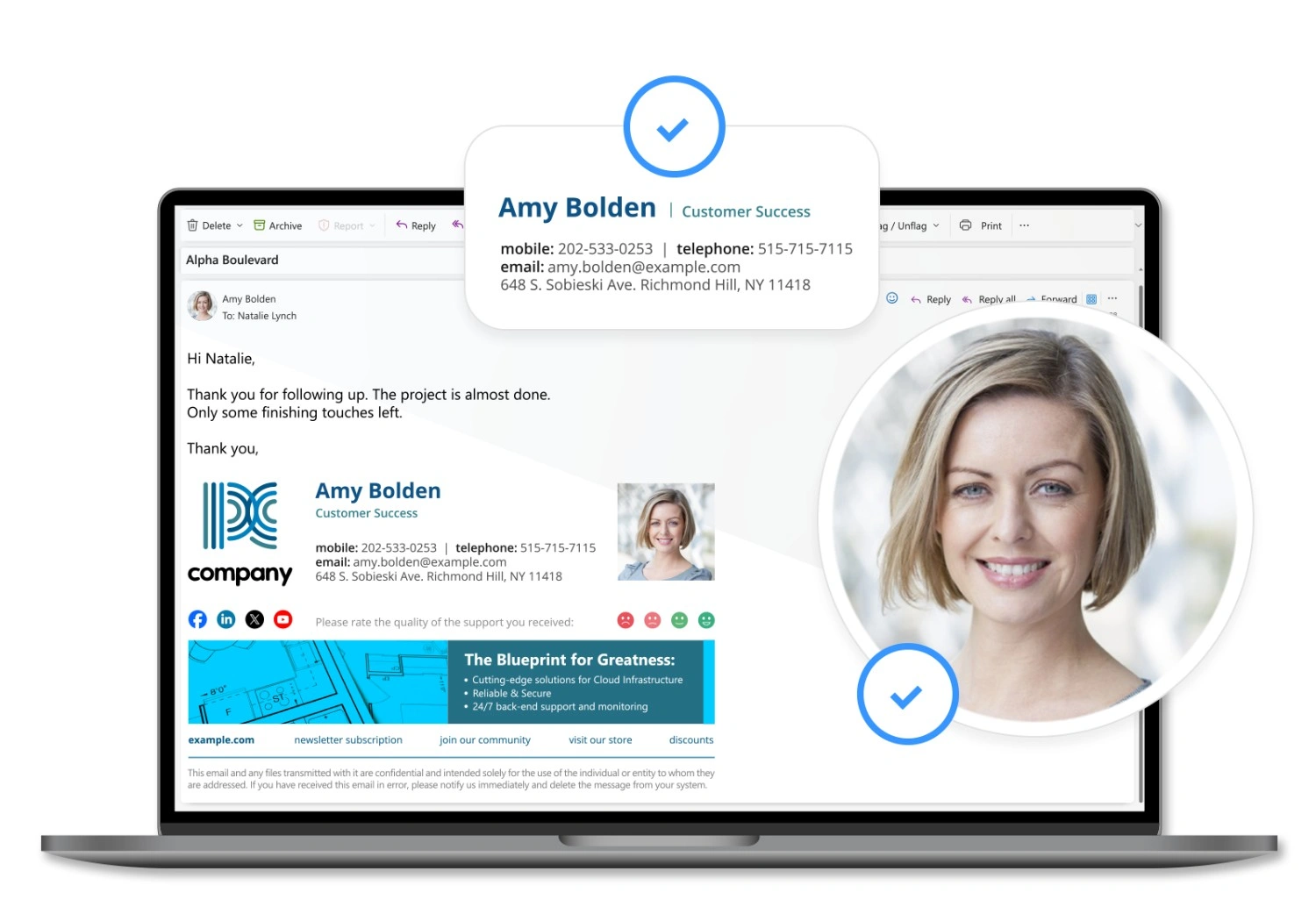
Entra ID (Azure AD) and user photo support
User information, contact details and photos are automatically included and are always up to date.
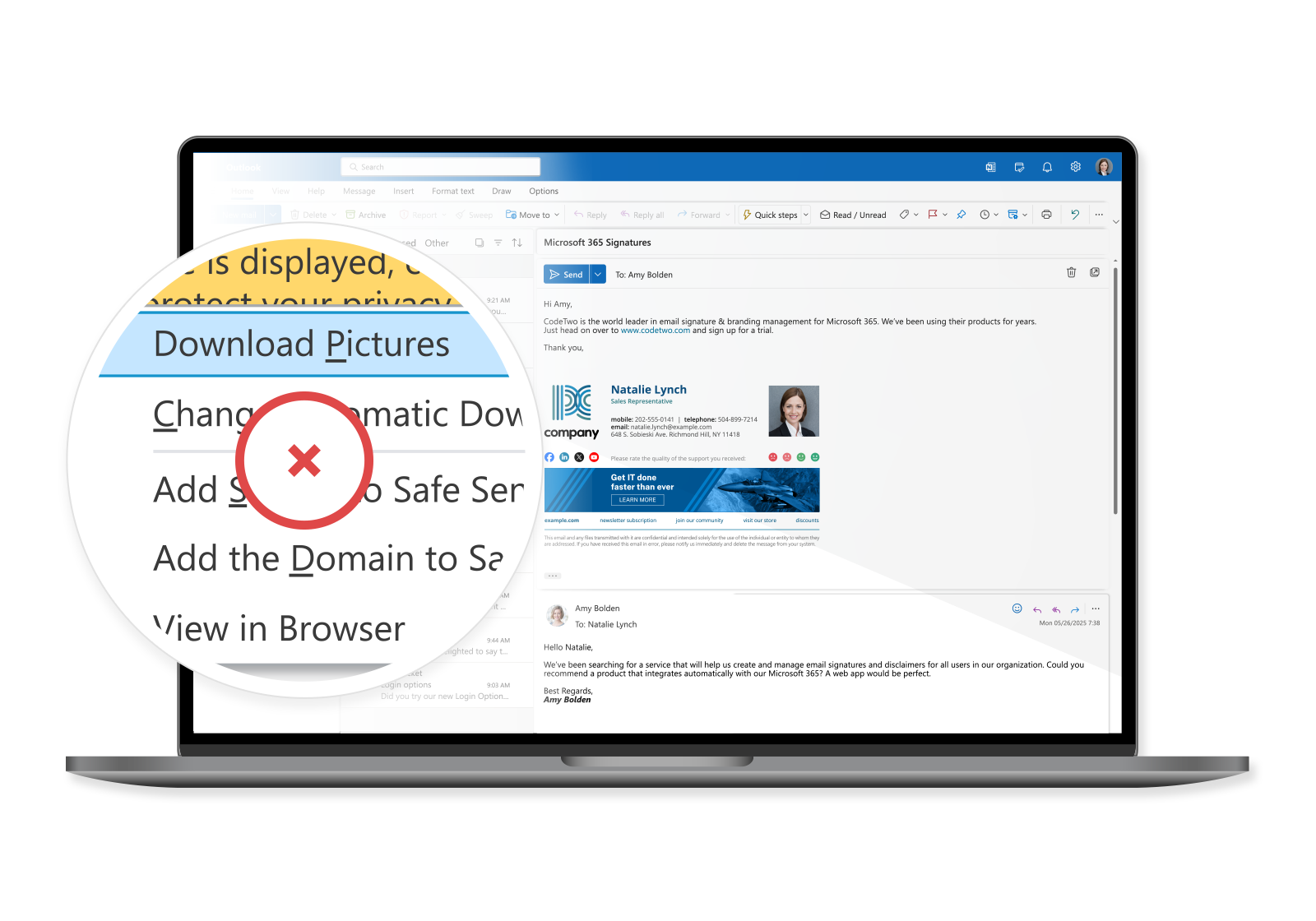
Signatures in replies, graphics embedded in email
Signatures also in replies & forwards: no piling at the bottom + no need to click "Download Pictures" in Outlook.

Exceptional customer support
We don't use AI or chatbots. And we don't outsource our support - we work alongside product developers.
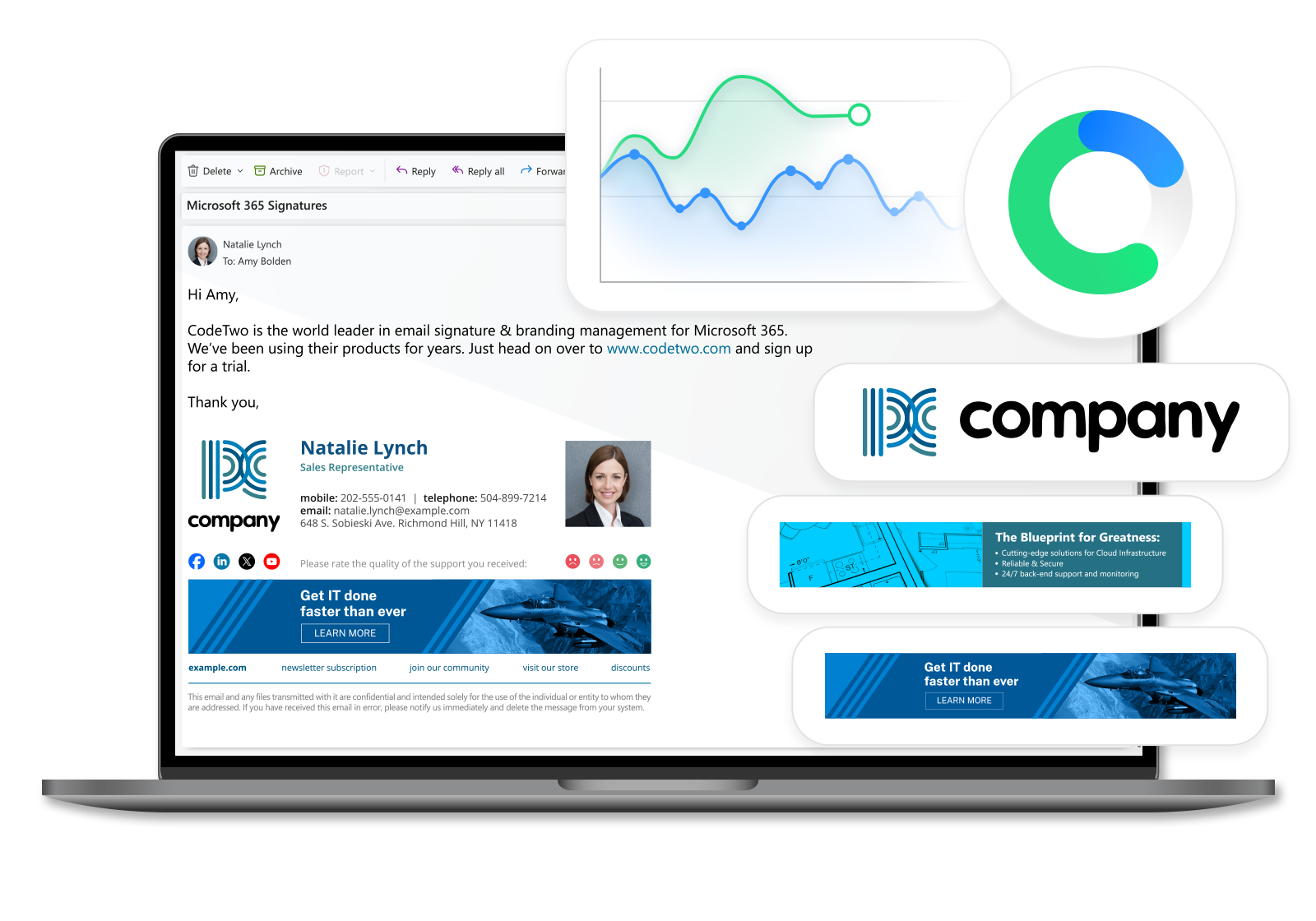
Email Marketing & analytics
Schedule automatic email marketing campaigns & track the results in web analytics tools.
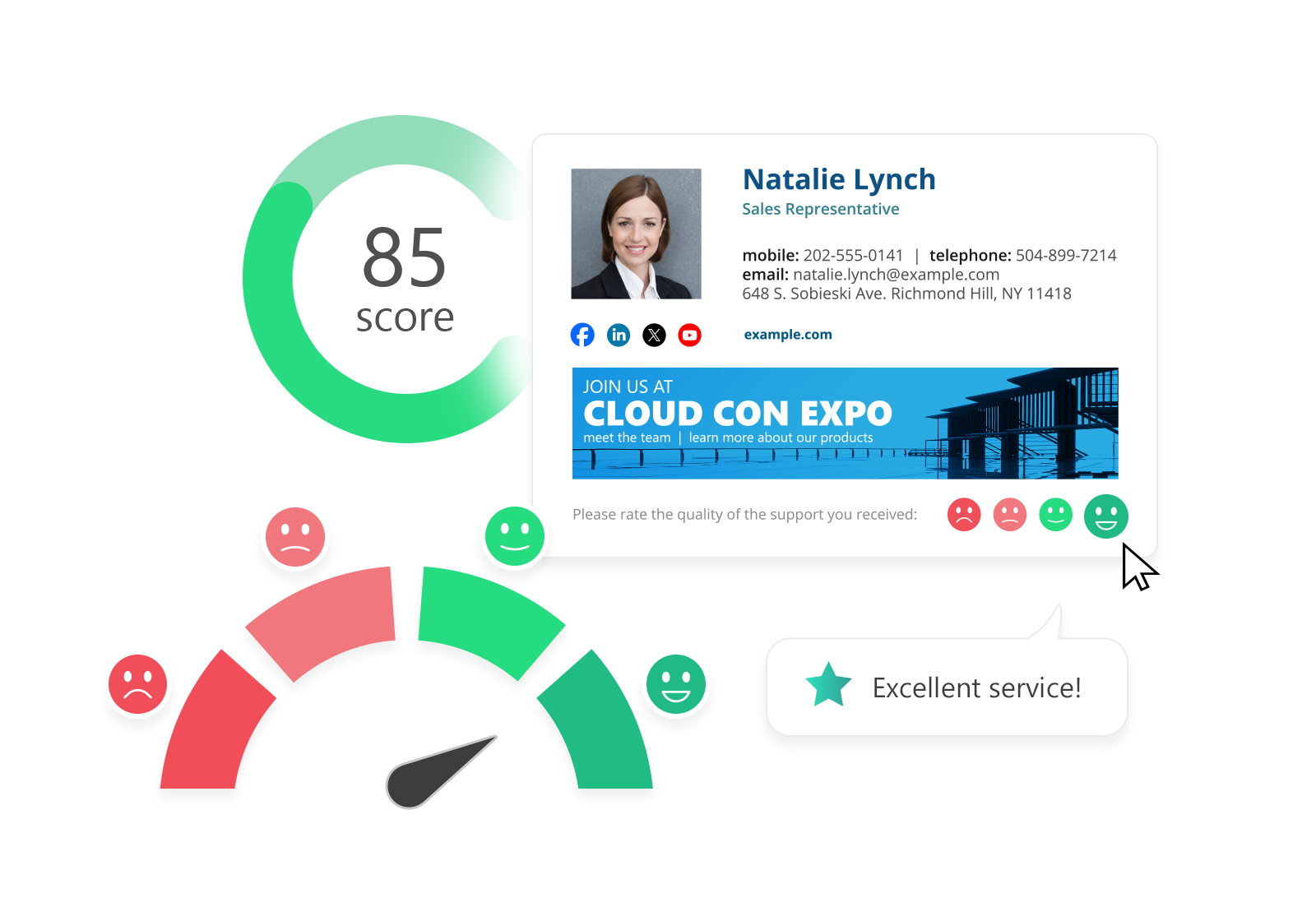
One-click customer satisfaction surveys
Gather feedback and analyze customer experience using email signatures.
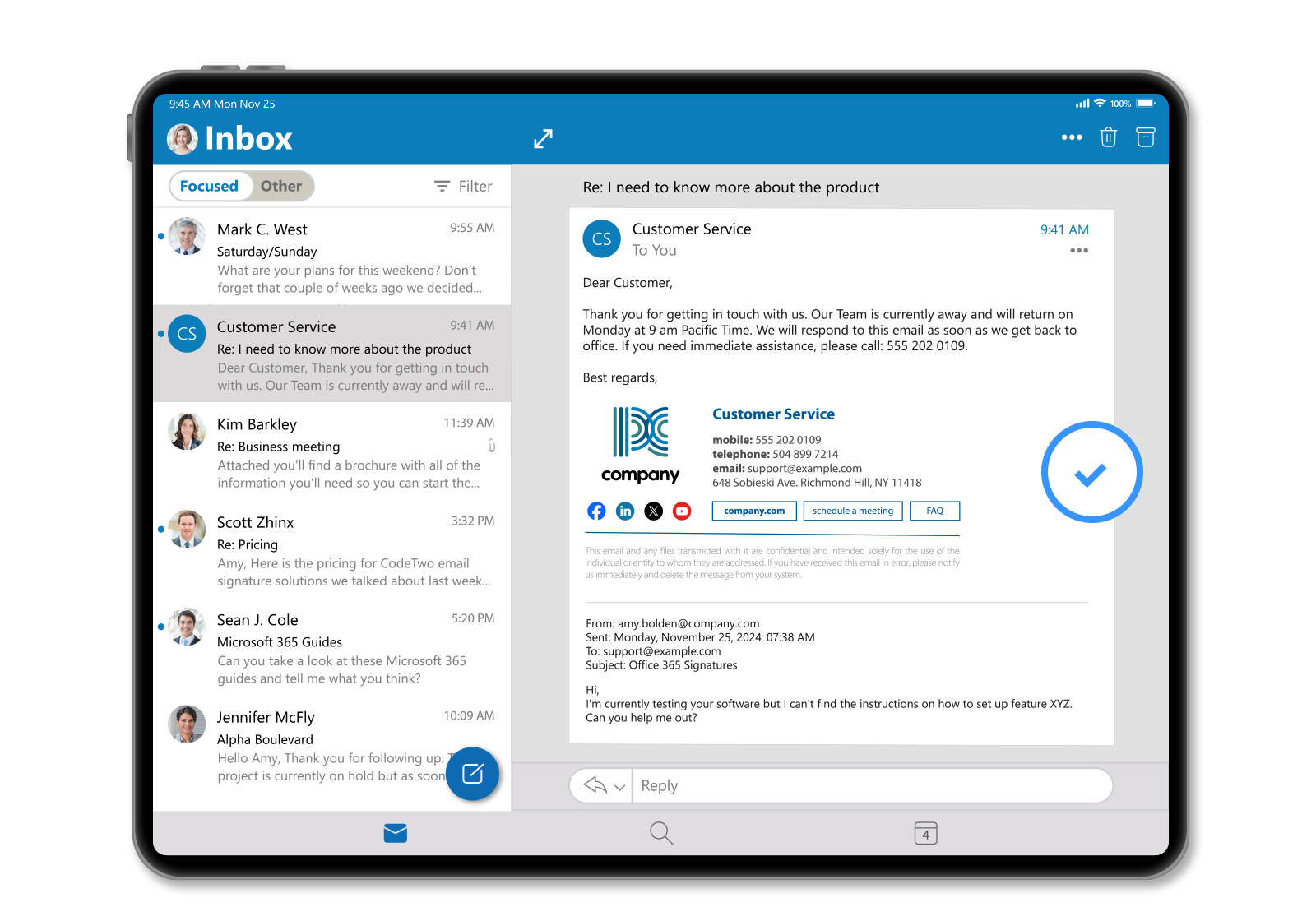
Organization-wide automatic replies
Manage auto replies & out of office messages for all your users.
Top rated by users & experts
It's the highest rated signature software on the market, with an award-winning support team.
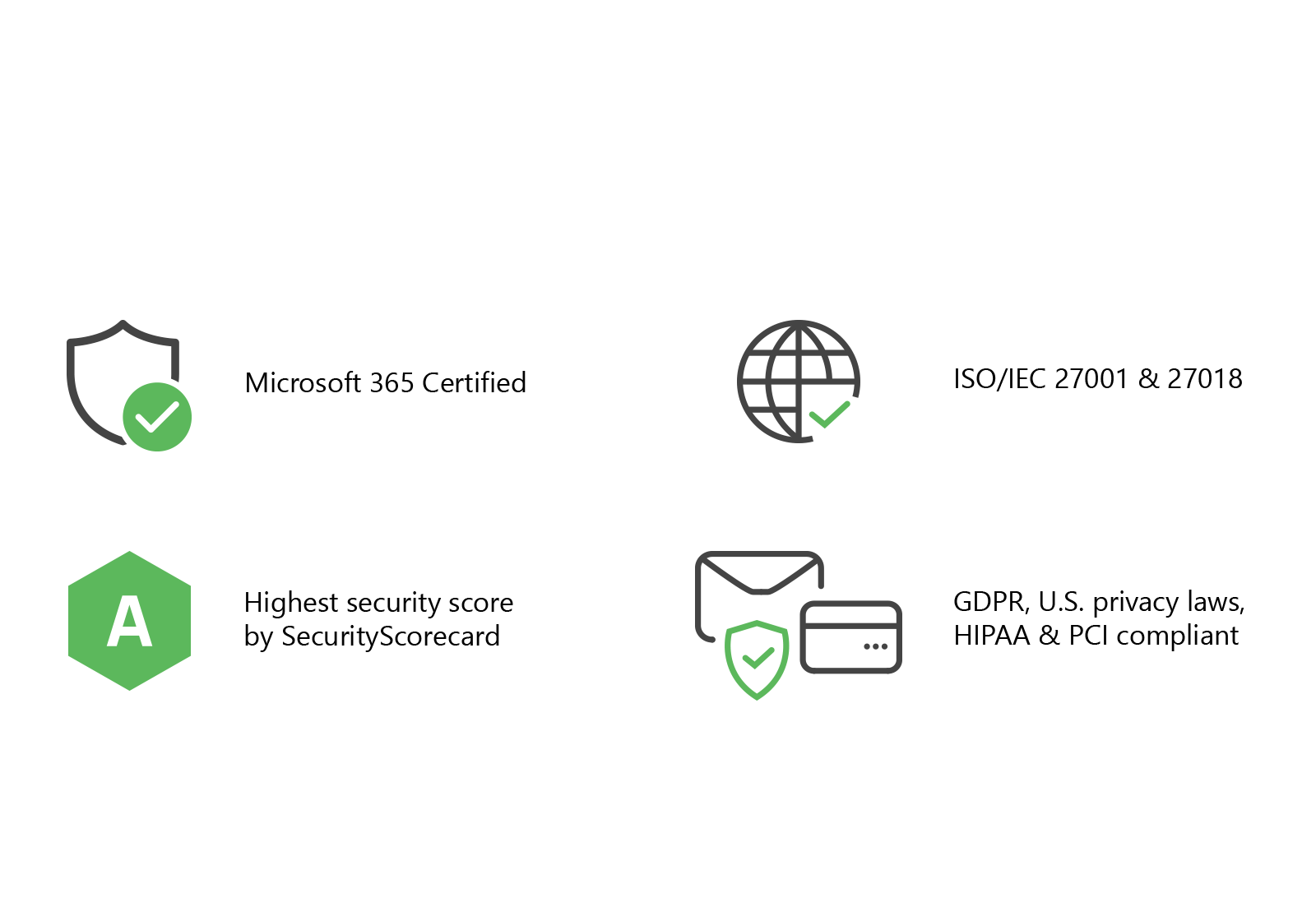
Advanced security and data protection
World's only signature solution certified by Microsoft and developed in compliance with ISO 27001 & 27018.
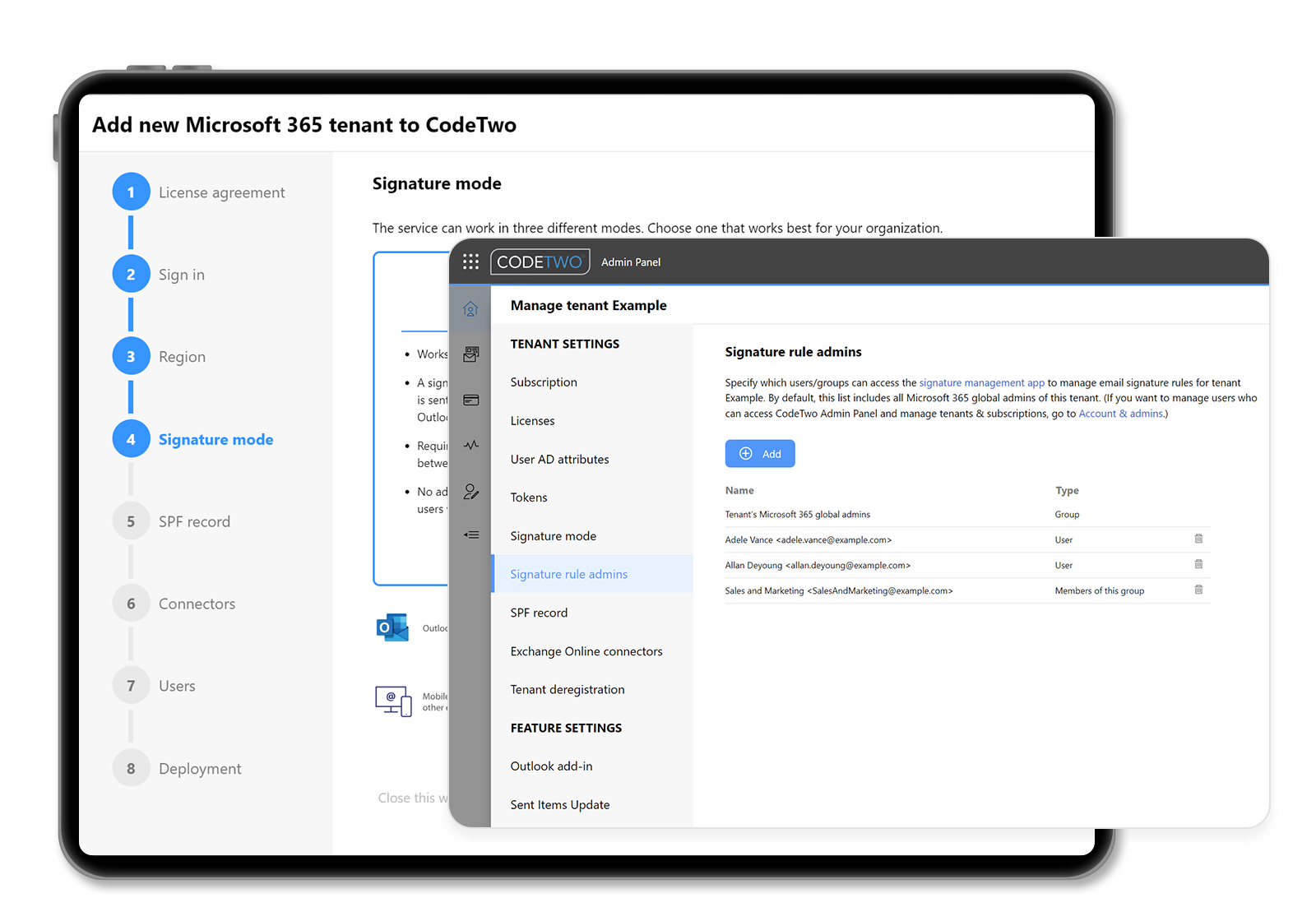
Fast deployment & easy delegation of tasks
Seamless integration with Microsoft 365 & easy delegation of signature management rights to non-IT staff.
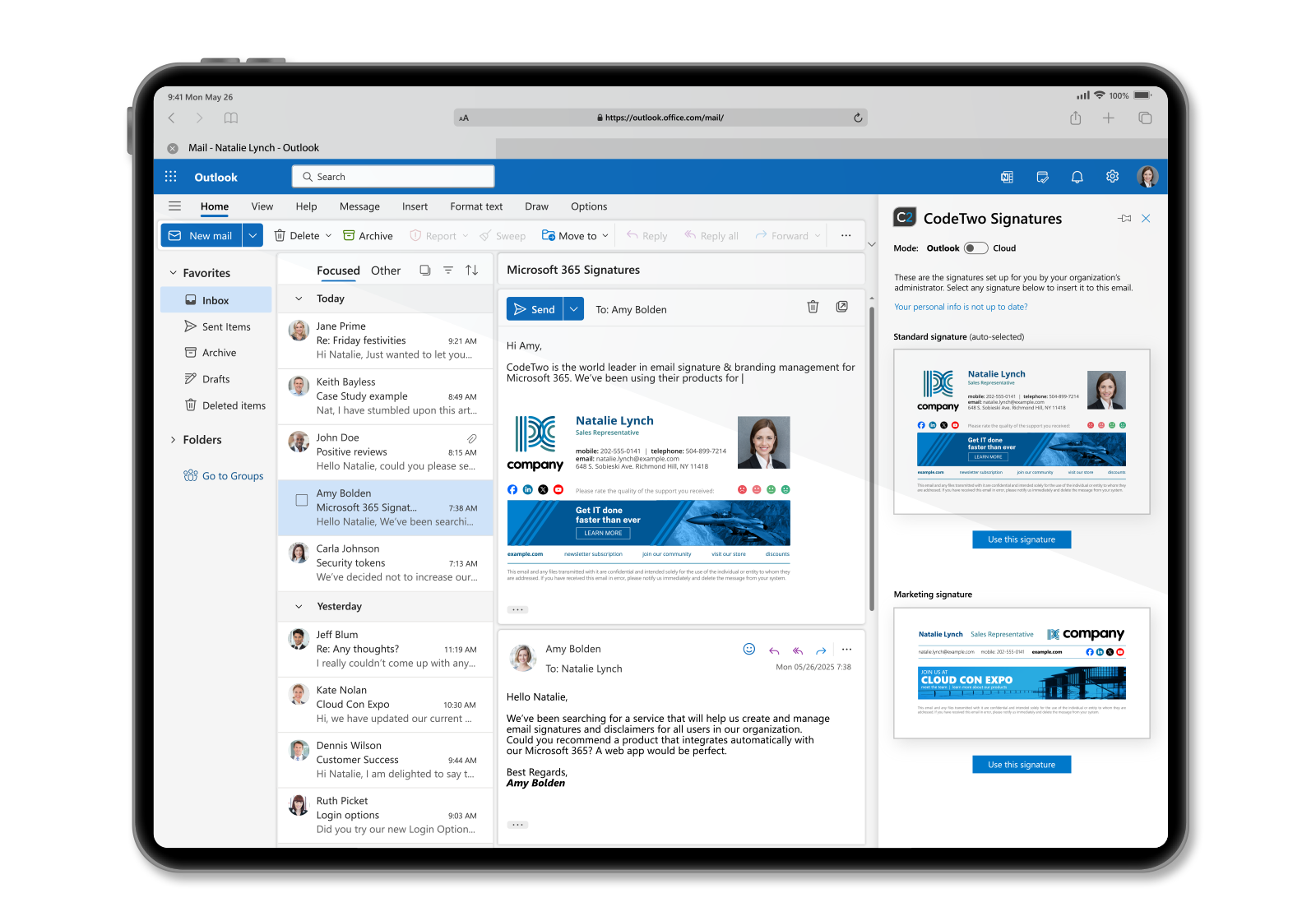
Cloud signatures visible as you type & in Sent Items
View signatures added in the cloud while composing an email in Outlook or in the Sent Items folder.
Key Features of
CodeTwo Email Signature Software
Centralized Signature Management
Outlook Integration
HTML Signature Templates
Microsoft Entra ID Synchronization
Automatic Replies
Multi-Device Support
Email Marketing Features
Enterprise Administration
Why Businesses in Abu Dhabi and the UAE
Choose CodeTwo Email Signature Management
Companies across Abu Dhabi and the wider UAE work with clients, government entities, and international partners where brand consistency and communication standards matter. CodeTwo's Microsoft 365 email signature management gives UAE businesses a straightforward way to maintain that consistency without adding extra workload to IT teams.
Implementation Process
Effortz manages the full setup so your team can start using CodeTwo without disruption to daily operations.
Consultation
Signature Design
Entra ID Configuration
Deployment
Testing and Handover
Ongoing Support
Get CodeTwo Email Signature
Management with Effortz
Effortz helps businesses in Abu Dhabi and across the UAE set up and manage CodeTwo Email Signatures 365 with accurate branding, Entra ID synchronization, and reliable Microsoft 365 email signature management from day one. Whether your organization needs a single consistent signature design or department-level customization across multiple branches, Effortz handles the setup, configuration, and ongoing support.
Contact Effortz today to bring consistent, compliant email branding to every message your team sends across the UAE.
What is CodeTwo Email Signatures 365 used for?
CodeTwo Email Signatures 365 is an email signature software for Microsoft 365 that lets organizations design, manage, and deploy consistent email signatures and automatic replies for all employees from a central admin panel, rather than configuring each mailbox individually.
Does CodeTwo work with all versions of Outlook?
Yes. Because CodeTwo applies signatures on the Microsoft 365 server side, it works consistently across Outlook desktop, Outlook on the web, and Outlook mobile apps, regardless of the version or device employees use.
Can CodeTwo pull employee information automatically?
Yes. CodeTwo synchronizes with Microsoft Entra ID to pull employee names, job titles, departments, and contact details directly into signature templates, so information stays accurate without manual updates.
Is CodeTwo suitable for businesses with multiple departments or branches?
Yes. CodeTwo supports role-based administration and allows different signature designs to be assigned by department, branch, or business unit, making it a practical email signature solution for larger UAE organizations.
Can email signatures be used for marketing campaigns?
Yes. CodeTwo allows businesses to add promotional banners, event announcements, or seasonal campaigns to employee signatures, along with basic tracking to measure how recipients engage with those banners.